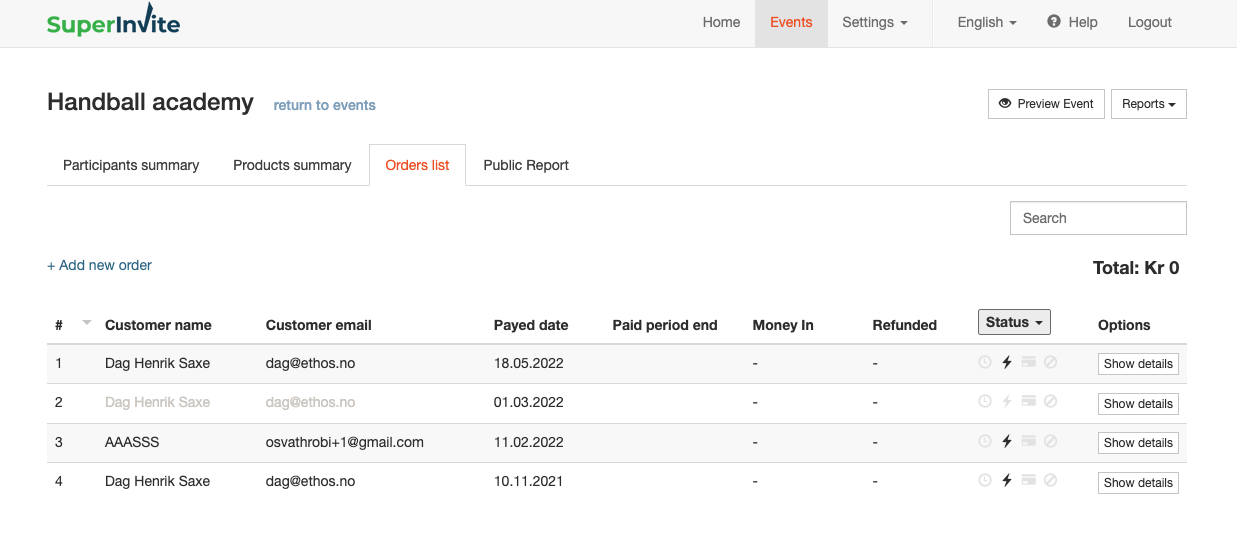
Overview of charges
To get an overview of all the charges that have occurred for a person, go into the Order list found under Reports. Search for the order or person being charged, and click View details. For each product being charged, you can click the colored boxes that show summarized information. This will bring up an overview of all the charges that have occurred, and a status for each one. You can view even more details by clicking further into one of the listed charges.